Tabs
Tab-based interface for organizing multiple queries.
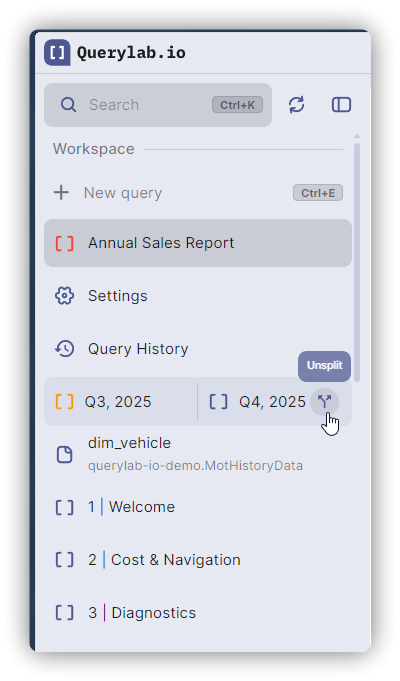
Creating Tabs
| Action | Shortcut |
|---|---|
| New tab | Cmd/Ctrl+E |
| Close tab | Alt+Cmd/Ctrl+W |
Or use the + button in the tab bar.
Additional Closing Options
- Middle-click: Click with mouse wheel on any tab to close it
- Context menu: Right-click tab → Close
Naming Tabs
- Manual: Double-click tab name to rename
- Auto-rename: Enable in Settings to use AI naming after first query
Tab Switching
- Click tab in tab bar
- Command Palette:
Cmd/Ctrl+K→ search by tab name - Query History:
Cmd/Ctrl+Shift+Hopens query history in new tab
Reordering
Drag tabs to reorder in the tab bar.
Tab Context Menu
Right-click on any tab to access additional options:
- Close tab
- Close other tabs
- Close tabs to the right
- Rename tab
- Pin/unpin tab
Tab State
Each tab maintains:
- Query text
- Cursor position
- Results (while open)
- BigQuery project/dataset config
Storage Modes
Browser Storage (Default)
- Stored in browser localStorage
- No sync across devices
- Lost if browser storage cleared
Backend Storage
- Encrypted sync across devices
- Persists across browsers
- Requires sign-in
Enabling Backend Storage
- Settings → Data Storage
- Toggle "Tab Storage" to Backend
- Choose to upload existing tabs or start fresh