Command Palette
Search tabs, tables, actions, and settings.
Open: Cmd+K (Mac) / Ctrl+K (Windows/Linux)
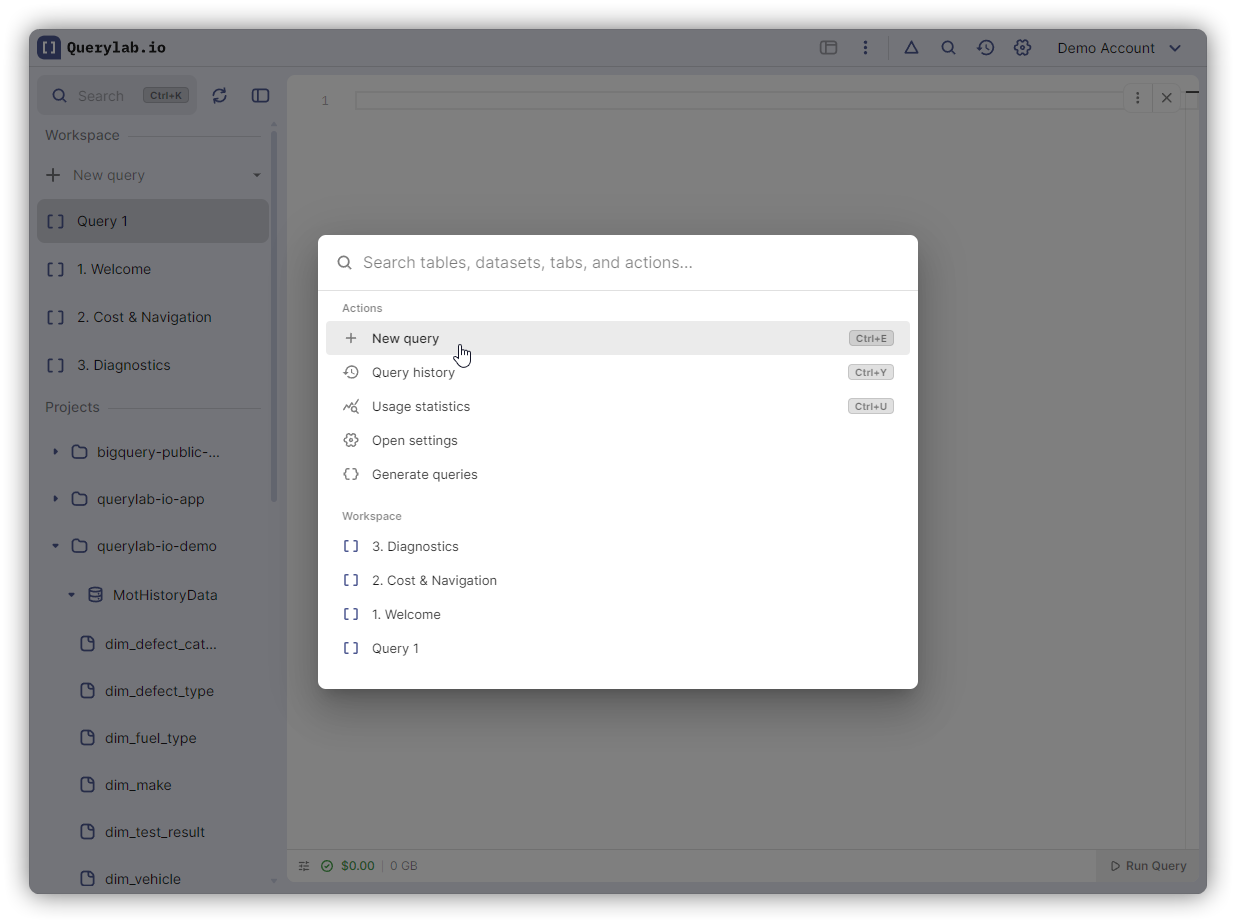
What You Can Search
| Category | Examples |
|---|---|
| Actions | "format", "run", "export", "settings" |
| Tabs | Tab names, "untitled" |
| Tables | "customers", "analytics.events" |
| Settings | "theme", "timeout", "project" |
| Recent | Previously accessed tabs and resources |
Fuzzy Matching
Type partial strings:
- "nwtb" → New Tab
- "fmtsql" → Format SQL
- "usrs" → users table
Navigation
| Key | Action |
|---|---|
| Arrow Up/Down | Move through results |
| Enter | Execute/navigate |
| Escape | Close |
Recent Section
The command palette shows recently accessed items at the top:
- Recently opened tabs
- Recently queried tables
- Recent actions
Clear individual items: Click the X button next to any recent item to remove it from history
Entity Actions
When selecting a table or dataset from the palette, you'll see available actions:
- Preview table data
- View schema
- Copy fully qualified name
- Open DDL
- Export to Sheets
Navigate with arrow keys and select with Enter.
Keyboard Shortcuts
Common shortcuts shown in the palette:
| Shortcut | Action |
|---|---|
Cmd/Ctrl+K | Open Command Palette |
Cmd/Ctrl+Shift+H | Query History |
Cmd/Ctrl+Shift+C | Compare Mode (split view) |
Cmd/Ctrl+E | New Tab |
Cmd/Ctrl+Enter | Run Query |
Common Workflows
Find tab: Cmd+K → type name → Enter
Format SQL: Cmd+K → "format" → Enter
Verify table: Cmd+K → table name → see matches → Escape
Quick table preview: Cmd+K → table name → select → "Preview data"