Query Results
Interactive grid for viewing and analyzing query output.
Column Operations
| Action | How |
|---|---|
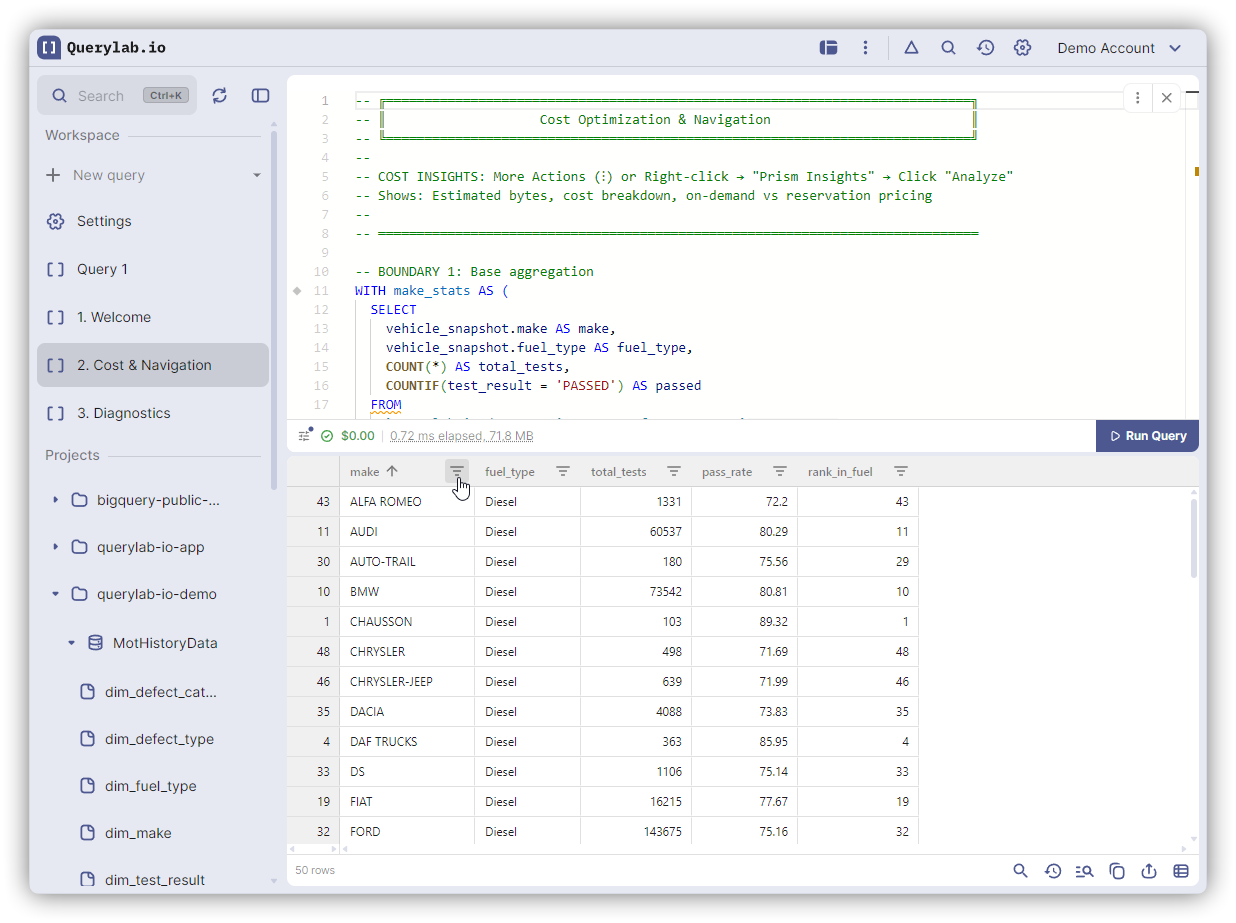
| Sort | Click header (click again for descending, third click clears) |
| Multi-sort | Hold Shift and click additional headers |
| Filter | Click filter icon in header |
| Resize | Drag column border (double-click to auto-fit) |
| Reorder | Drag header to new position |
| Pin | Right-click header to pin left/right |
| Hide | Right-click header to hide column |
Search and Filter
| Shortcut | Action |
|---|---|
Cmd/Ctrl+F | Open quick search |
Escape | Close search and clear filter |
The search filters visible rows by matching any column value.
Hide Null Columns
Click the visibility icon in the footer to hide columns where all values are NULL.
Column Filters
Click the filter icon in any column header to filter by:
- Text (contains, equals, starts with, ends with)
- Numbers (equals, greater than, less than, in range)
- Blanks or non-blanks
Selecting and Copying
| What | How |
|---|---|
| Text in cell | Click and drag to select text |
| Cell | Click cell, then Cmd/Ctrl+C |
| Row | Click row number, then Cmd/Ctrl+C |
| Column | Click header, then Cmd/Ctrl+C |
| Multiple rows | Click and drag row numbers, then Cmd/Ctrl+C |
| All | Cmd/Ctrl+A, then Cmd/Ctrl+C |
| Current page | Click copy button in footer |
Navigating Large Results
Use the pagination controls in the footer to page through results. Click the dice button to jump to a random page. Useful for sampling large datasets.
Nested and Repeated Fields
BigQuery nested (STRUCT) and repeated (ARRAY) fields display as:
- Hierarchical columns: Nested fields grouped under parent headers (enable in Settings)
- Row spanning: Identical values merged vertically for cleaner display
- JSON in cells: Complex values shown as formatted JSON
Exporting Results
Click the export button in the footer:
| Destination | Description |
|---|---|
| Google Sheets | Export current page or full results to a spreadsheet |
| Cloud Storage | Opens EXPORT DATA query for large datasets |
Query History
Click the history button to view previous queries run in this tab. Each entry shows the query preview, row count, and timestamp. Click to re-run in a new tab.
Drill Down
After running a query, click the drill down button to open the result table in a split view for further exploration.
Cmd/Ctrl+Click the button to copy the destination table path instead.
View Modes
Switch views using the mode selector in the footer:
| Mode | Description |
|---|---|
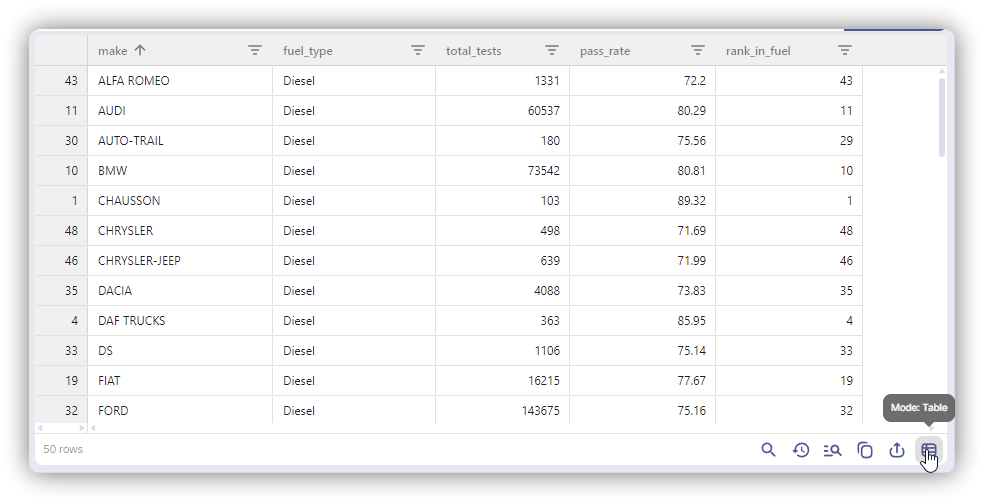
| Grid | Tabular view with sorting, filtering, and column operations |
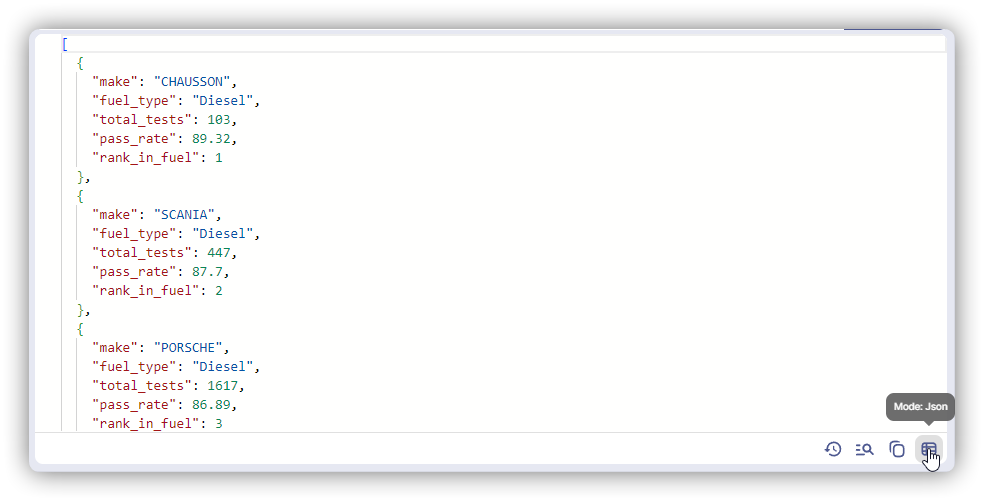
| JSON | Results as formatted JSON |
| Info | Query metadata: job ID, duration, bytes processed, destination table |