Desktop App
macOS native app with enhanced security and CLI integration.
Install
- Download from querylab.io/download
- Open
.dmg, drag to Applications - Launch from Spotlight (
Cmd+Space)
Requirements: macOS 10.15+, 200 MB disk space
Desktop vs Web
| Feature | Desktop | Web |
|---|---|---|
| Credential storage | macOS Keychain (encrypted) | localStorage |
| AI Providers | Querylab.io Cloud + CLI tools | Querylab.io Cloud only |
| CLI Tools | Claude Code, Cursor, Copilot, Gemini CLI | Not available |
Authentication
Google OAuth: Sign in with Google. Tokens stored securely in macOS Keychain.
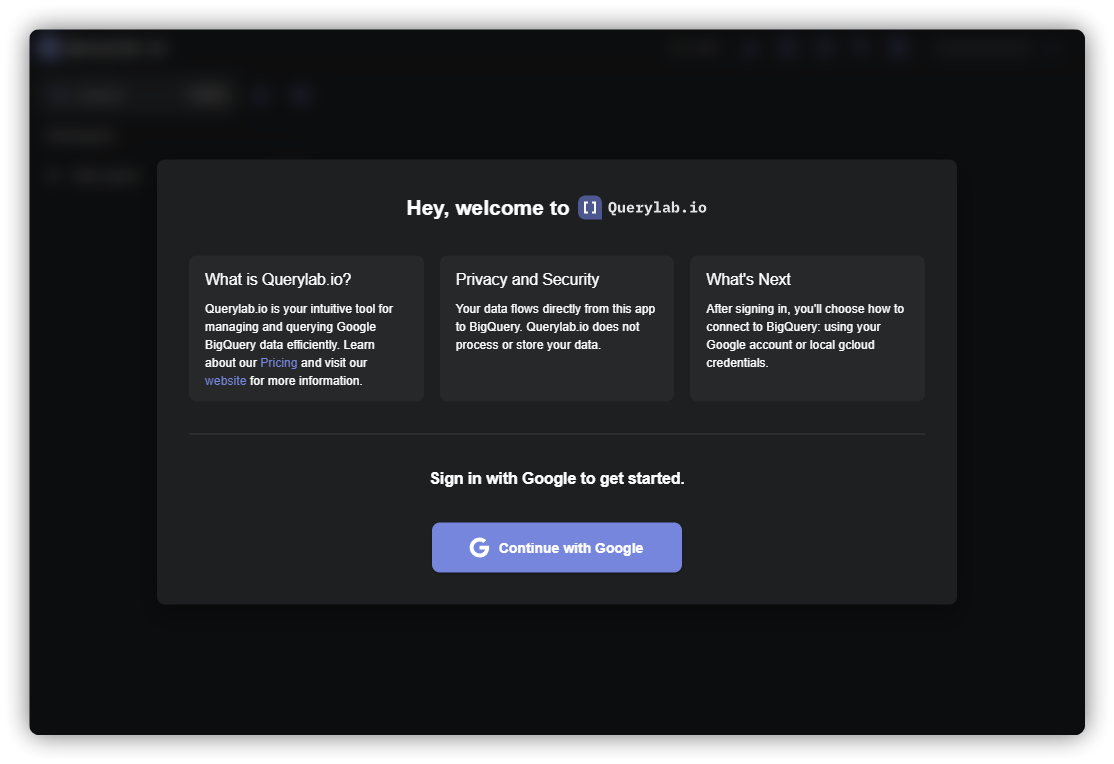
ADC (developers): Uses gcloud auth application-default login for service account credentials.
CLI Integration
Use AI coding assistants directly with the desktop app for privacy and cost control. See CLI Integration.
Supported: Claude Code, Cursor, GitHub Copilot, Gemini CLI
Troubleshooting
Reset credentials: Help > Reset Auth State (Cmd+Shift+R)
Debug auth issues: Help > Debug Auth State
Logs location: ~/Library/Logs/querylab.io.desktop/querylab.log